How to Get a Klaviyo Free Trial?

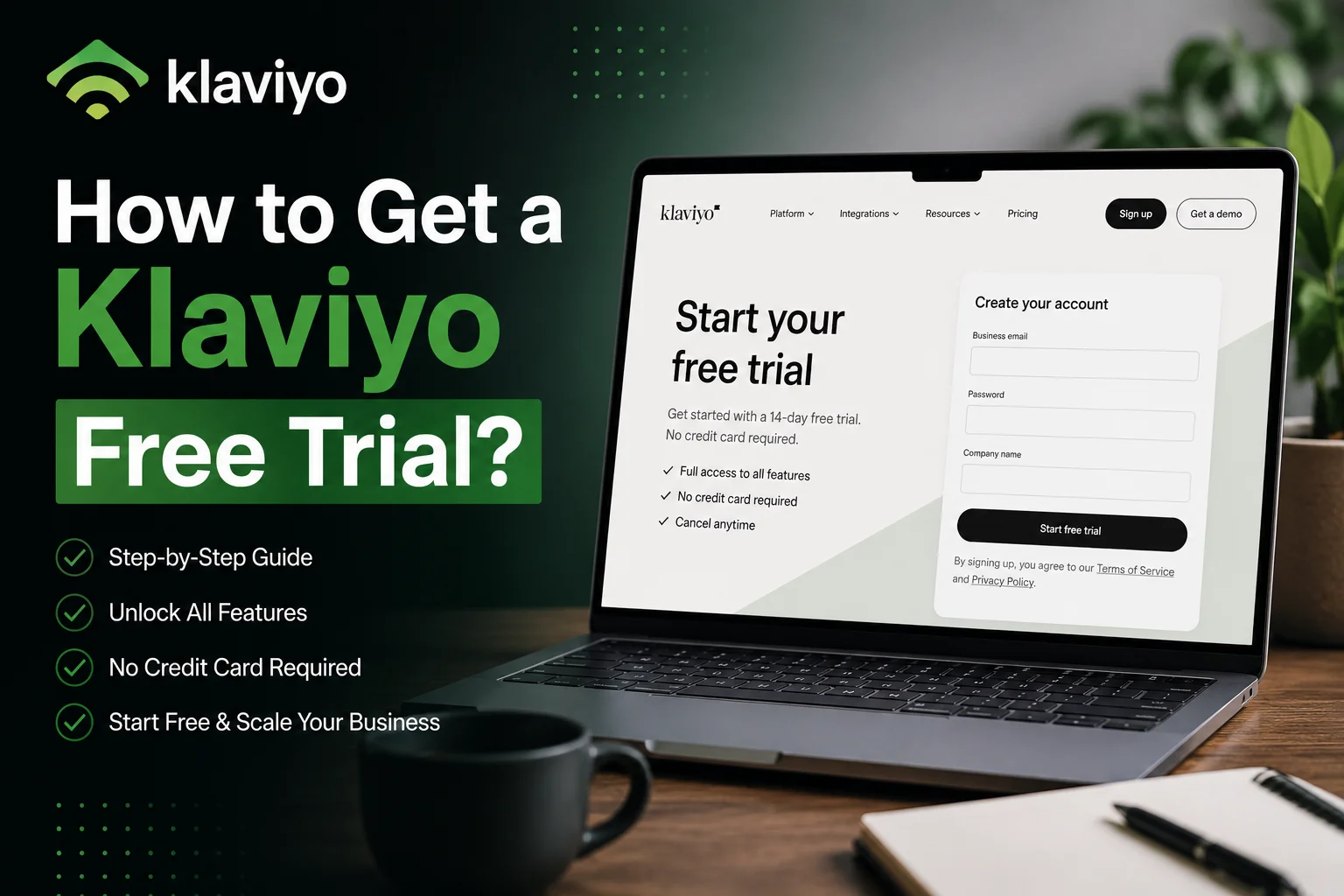
Klaviyo is one of the few marketing tools that offer lifetime free trials. That means, you sign up for one time and get free access to limited features forever.
Today, I will inform you on how to apply for a Klaviyo free trial, what the required things are, and what features you can access. So stay tuned with me and let me help you sign up for a free trial in 2026.
How is Klaviyo Free Trial different from other marketing tools?
Klaviyo’s free trial differs from most marketing tools because Klaviyo does not use a time-limited trial model. Klaviyo does not offer a 14-day trial or a 30-day trial that expires automatically. Klaviyo provides a permanent free account instead of a credit card based trial.
Most email marketing platforms require credit card details before access. These platforms restrict usage after the trial period ends. Klaviyo removes this barrier completely. Klaviyo allows account creation without entering any billing information. This structure reduces risk for new users and small businesses.
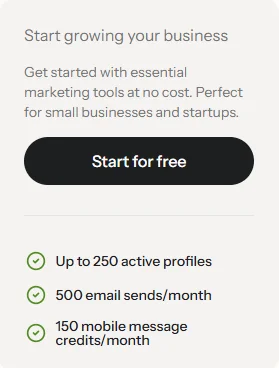
The Klaviyo free account remains active for an unlimited time period. The free account includes access to core email marketing tools. The free account supports up to 250 active profiles and 500 email sends per month, based on current plan limits. SMS features remain restricted until billing activation.
How to Get a Klaviyo Free Trial?
Getting a Klaviyo free trial requires completing a standard account registration process. Klaviyo offers a free forever account instead of a time-limited trial. Follow the steps below to create a Klaviyo account correctly.
Step 1: Visit the Official Klaviyo Website
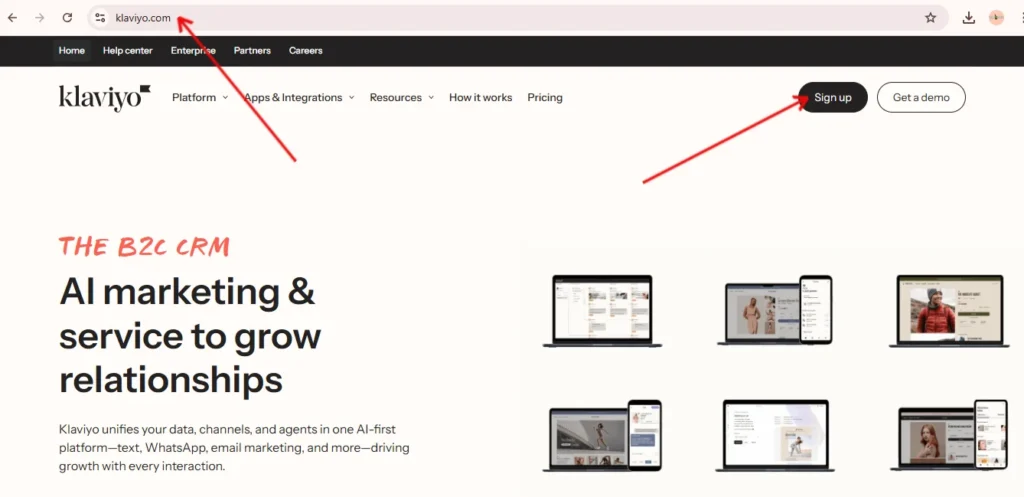
Go to the official Klaviyo website at www.klaviyo.com. The homepage displays a clear call to action for new users. Locate the “Sign Up” button in the top right header section. Click the “Sign Up” button to begin registration.
Step 2: Complete the Klaviyo Signup Form
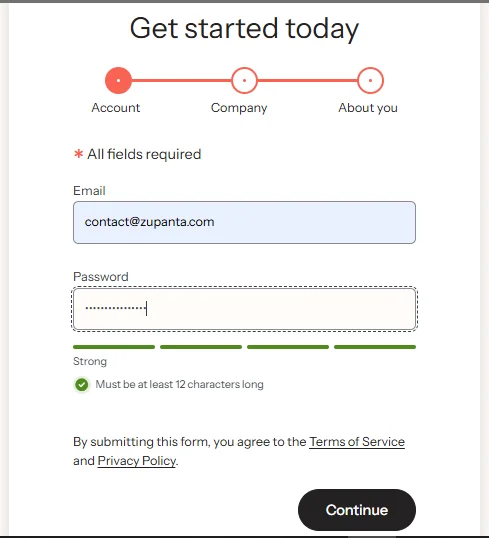
A new page opens with the Klaviyo account creation form. Enter accurate business details to avoid account verification issues.
Provide the following information:
- Email address: Use a valid business email address.
- Password: Create a secure password that meets platform requirements.
- Company name: Enter the registered or operating business name.
- Company website: Enter a live website URL such as https://example.com
- Phone number: Enter an active phone number for account security.
- Usage purpose: Select how Klaviyo will be used for marketing activities.
You may also see optional checkboxes for Klaviyo marketing communications and a live consultation request. These selections do not affect free plan eligibility.
Click the Create Account button after completing the form.
Step 3: Verify and Proceed to Setup
After submission, Klaviyo redirects to the onboarding setup screen. Email verification may be required. Complete verification if prompted to continue.
Step 4: Connect Your E-commerce Platform
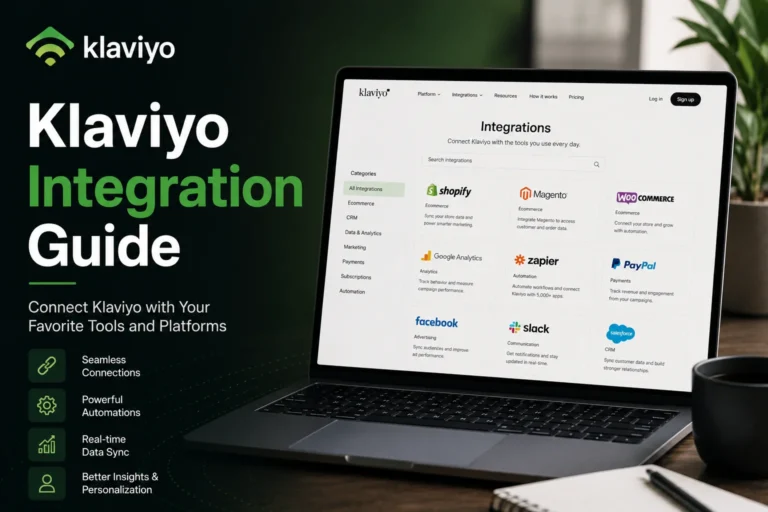
Klaviyo requests platform integration during onboarding. Select your e-commerce platform from the available options. Supported platforms include Shopify, WooCommerce, Magento, and BigCommerce.
Platform connection enables real-time customer data syncing. Data syncing includes email engagement, purchase history, and on-site behavior.
Step 5: Select the Free Plan
During setup, confirm that the Free plan is selected. The free plan does not require credit card information. The free plan remains active indefinitely.
What Features Are Available on a Klaviyo Free Account?
The Klaviyo free account provides long-term access to core marketing functionality. The free account focuses on platform learning, workflow testing, and early-stage campaign execution.
Free Plan Cost and Eligibility
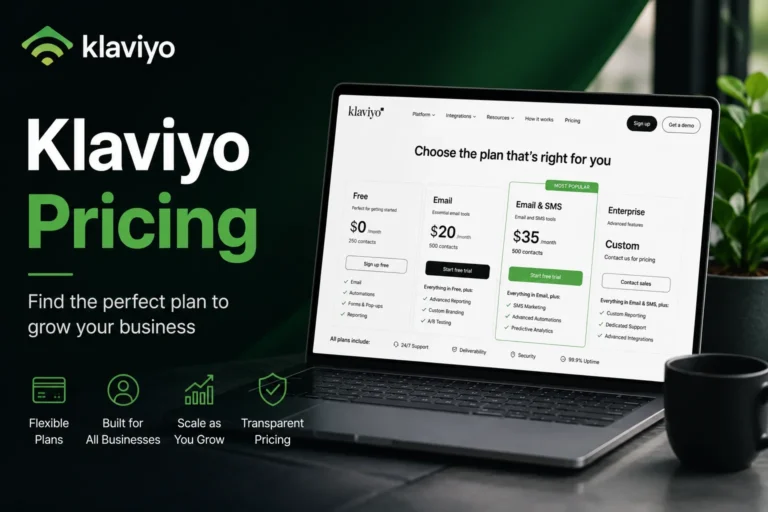
The Klaviyo Free Plan starts at zero monthly cost. The Free Plan applies to accounts with up to 250 active profiles. An active profile represents a contact that can receive marketing messages.
Email and Mobile Messaging Limits
It allows up to 500 email sends per month. This limit supports basic email campaign testing and automation previews.
The Klaviyo Free Plan also includes 150 combined SMS and MMS credits per month. These credits support a limited mobile messaging evaluation.
Platform Access and Dashboard Availability
It provides full dashboard access. Users can view campaigns, flows, profiles, and integrations. Volume-based restrictions apply only to message sending limits, not to interface access.
Analytics and Reporting Tools
You can get access to the built-in analytics dashboards. These dashboards track open rates, click rates, conversion activity, and revenue attribution. Reporting access helps users understand campaign performance without paid upgrades.
Customer Support Availability
Email-based customer support for the first 60 days after account creation. This support window helps new users complete setup and resolve onboarding issues.
AI Content and Automation Tools
Includes generative AI tools. These tools assist with email subject lines, message copy, and content variations. AI tools reduce content creation time during testing phases.
Segmentation and Data Management
Supports multi-channel audience segmentation. Users can segment profiles using behavior, purchase history, and engagement data.
Primary Use Case and Core Advantage
Supports platform testing and workflow learning. The main advantage is exposure to centralized customer data for personalized messaging without financial risk.