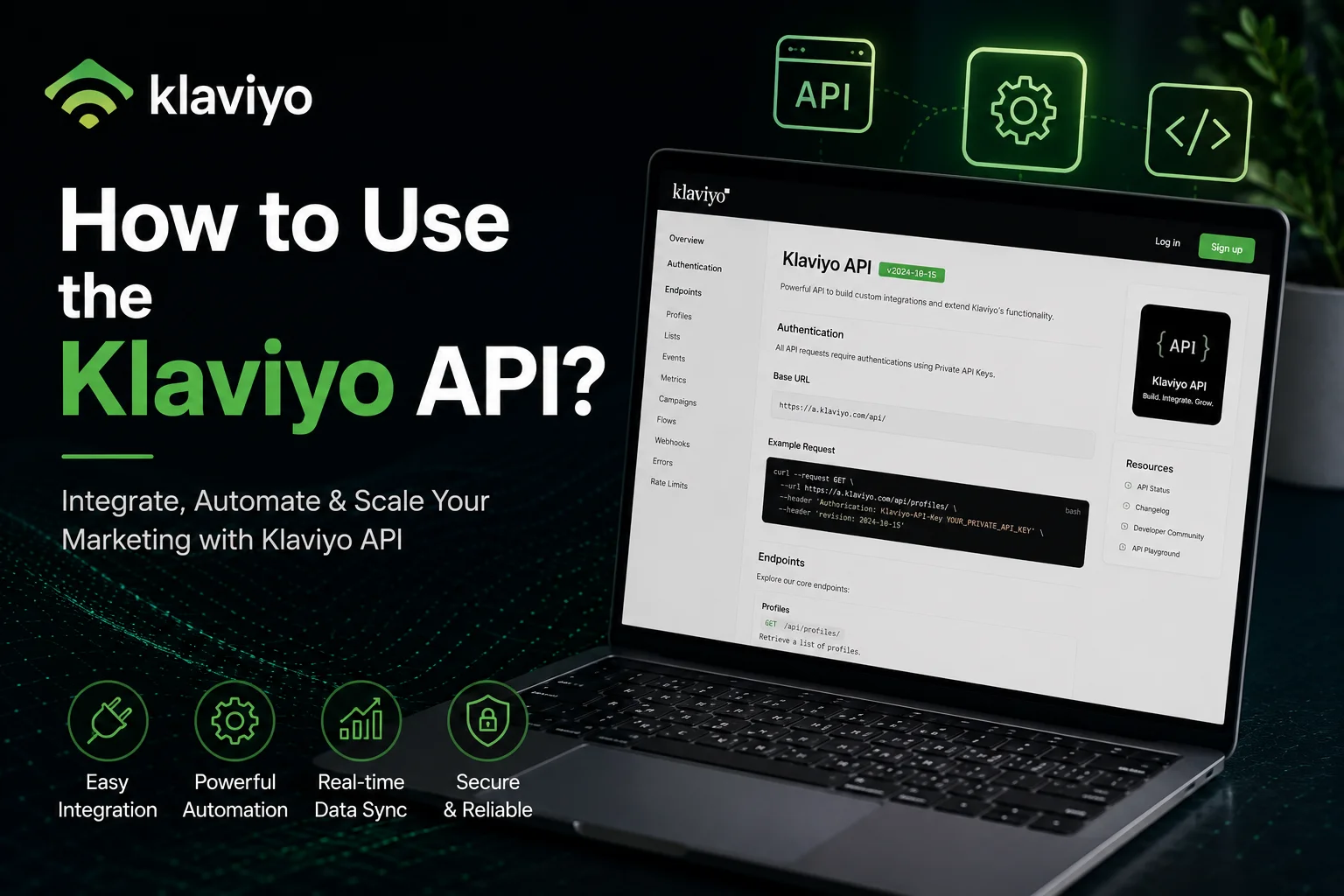
How to Use the Klaviyo API?

I have been using Klavito API since 2020, and it has opened dozens of opportunities for me. The API provides access to get involved in advanced automation, integration with your favorite third-party tools, and hyper-personalised marketing.
The Klaviyo API supports custom analytics pipelines, allows direct CRM data synchronization, and enables server-side event triggering with minimal setup effort.
Keep on reading, and all required setup, endpoints, and best practices are explained.
What is Klaviyo API?
Klaviyo API is a programmatic interface that allows external systems to exchange data with the Klaviyo marketing platform. Klaviyo API supports customer profile creation, event tracking, list management, and campaign data access.
Developers use the Klaviyo API to connect websites, mobile applications, backend systems, and custom tools with Klaviyo data models.
v2 (Legacy)
v2 Legacy API is the older Klaviyo API version that uses static endpoints and private API keys for authentication. v2 Legacy API supports basic actions such as event tracking, profile updates, and list management.
Klaviyo recommends limited use of v2 Legacy API due to long-term maintenance constraints and reduced structural consistency.
v2023-10-15
v2023-10-15 API is the current Klaviyo API version, built on resource-based architecture and stronger authentication standards. v2023-10-15 API supports clearer endpoint definitions, improved data validation, and predictable version control.
This version aligns with long-term platform stability and scalable data integration practices.
Core Features of Klaviyo API
- Profile Management: Profile Management allows systems to create, update, and sync customer profile data such as email address, phone number, and custom properties inside Klaviyo.
- List and Segment Management: List and Segment Management supports adding, removing, and organizing contacts into static lists and dynamic segments based on defined conditions.
- Event Tracking: Event Tracking records customer actions such as purchases, page views, and form submissions to trigger flows and behavioral campaigns.
- Webhook Support: Webhook Support sends real-time event notifications from Klaviyo to external systems when specific actions occur.
- Campaign Analytics: Campaign Analytics provides access to performance data such as sends, opens, clicks, and conversions for reporting and analysis.
Types of API Key
Public API Key
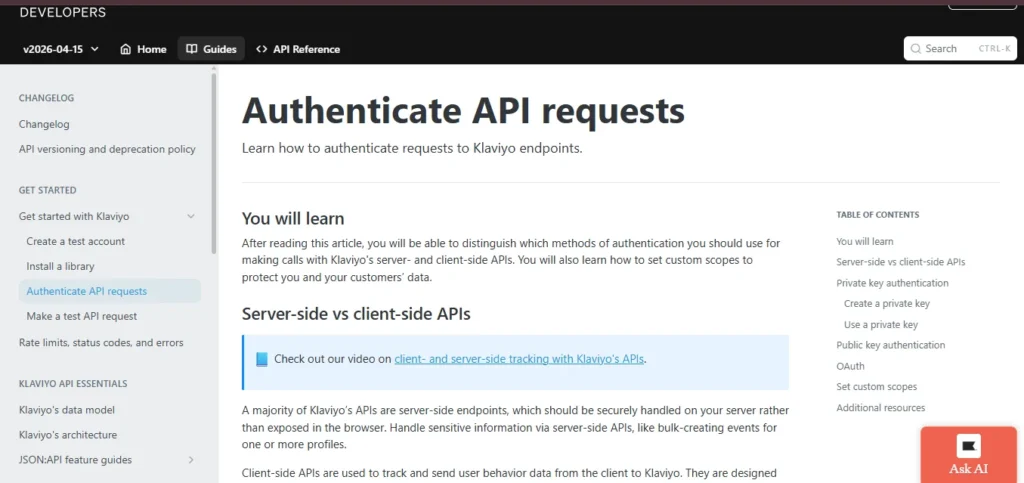
- Locate Your Key: Access your Public API Key by navigating to Account > Settings > API Keys in your Klaviyo dashboard.
- Purpose of the Key: Use this key for client-side tracking, such as logging page visits with klaviyo.js or capturing front-end actions like “Add to Cart.”
- Access Permissions: The Public API Key allows interaction with limited endpoints only:
- /identify
- /track
- /subscribe
- Visibility and Security: This key is visible in browsers. Do not use it to handle sensitive customer data.
- Key Maintenance: To ensure security, Klaviyo recommends rotating your Public API Key every 90 days.
Private API Key
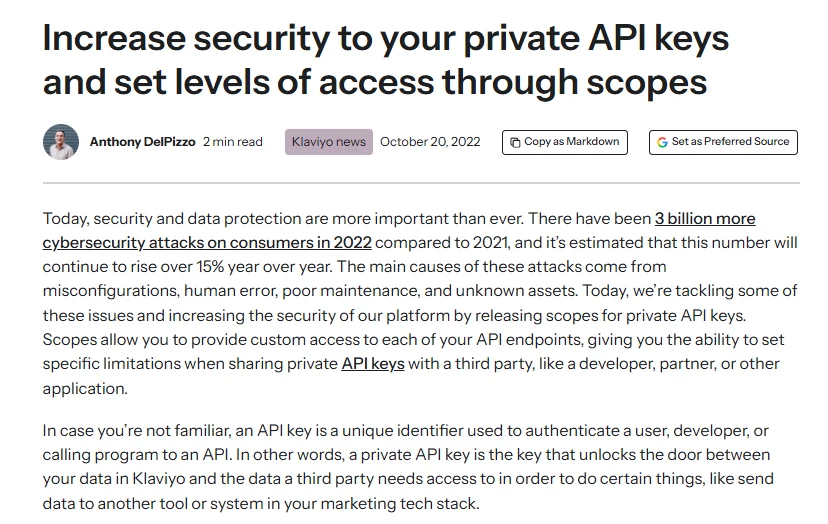
- Locate Your Key: Find your Private API Key under Account > Settings > API Keys in your Klaviyo account.
- Purpose of the Key: It is suitable for secure server-side environments, including Forebase, AWS, or backend automation tools like Zapier.
- Access Permissions: The Private API Key allows access to almost all API endpoints, such as:
- /profiles
- /events
- /lists
- /segments
- /campaigns
- /flows
- Capabilities: Private API Keys support full CRUD operations (Create, Read, Update, Delete) for comprehensive management.
- Security Guidelines: Never expose Private API Keys in client-side code. You can restrict key scopes to read-only or full access depending on integration needs.
OAuth 2.0
- Purpose of OAuth 2.0: OAuth 2.0 is designed for developers building apps that connect multiple Klaviyo accounts. It provides secure, permission-based access to user data.
- Authentication Process: Users log in with their Klaviyo credentials and grant your app a token. This token allows the app to perform API requests on behalf of the user.
- Security and Scalability: OAuth 2.0 offers higher security and better scalability than traditional API keys, especially for external applications.
- Implementation: Developers can follow Klaviyo’s OAuth documentation to manage authentication flows, tokens, and permissions efficiently.
Best Use Cases of Klaviyo API
CRM or Loyalty Data Sync
Klaviyo API allows syncing customer profiles, purchase history, and loyalty program points from external CRMs.
How to use:
- Access Private API Key under Account > Settings > API Keys.
- Use /profiles endpoint to create or update customer data.
- Map loyalty points or CRM attributes to Klaviyo custom fields.
- Schedule API calls via backend or automation tools like Zapier for real-time updates.
Custom Dashboard Reporting
The API can extract campaign performance, customer behavior, and engagement metrics for custom dashboards.
How to use:
- Generate a Private API Key.
- Use endpoints like /events, /lists, and /campaigns to fetch data.
- Pull data into tools like Google Data Studio or Tableau.
- Automate daily or weekly API calls to maintain updated dashboards.
Server‑Side Event Tracking
Track conversions, purchases, and other actions from the server to improve accuracy and reliability.
How to use:
- Use a Private API Key in your server environment.
- Call /track endpoint to log events such as purchases or form submissions.
- Include customer identifiers to match events with existing profiles.
- Automate tracking for each relevant server-side action.
Automate SMS Campaigns
Send targeted SMS messages triggered by specific user actions or segments.
How to use:
- Use /profiles and /lists endpoints to segment subscribers.
- Trigger SMS via /flows or /campaigns endpoints using server-side events.
- Automate recurring campaigns or triggered messages through backend scripts.
- Monitor responses and engagement via /events endpoint.
Product/Inventory Sync
Keep Klaviyo updated with the latest product details, pricing, and stock levels.
How to use:
- Access Private API Key.
- Use /catalog or custom endpoints to push product updates.
- Schedule automatic updates from your e-commerce platform.
- Map product attributes to dynamic tags in emails for personalized campaigns.
Sync Subscription Statuses
Track opt-ins, cancellations, and preference updates in real time.
How to use:
Use /subscribe and /profiles endpoints with Public or Private API Key, depending on the environment.
- Update email or SMS subscription status automatically.
- Reflect changes in Klaviyo lists or segments for targeted communication.
- Ensure opt-out events are logged to comply with privacy rules.
Personalize Emails with Dynamic Tags
Enhance email content by including customer-specific data, like names, products, or loyalty points.
How to use:
- Store dynamic data in profile custom fields via API.
- Use /profiles or /lists endpoints to update fields programmatically.
- Insert dynamic tags in email templates using Klaviyo’s template editor.
- Automate updates to ensure emails always reflect the latest user data.