How to Sign Up & Log In for MailerLite Account?

So you decided to test MailerLite and need to know how to get started with this email marketing tool, right? You are in luck as I have explained the complete process from sign up to create your first email newsletter.
With my years of experience with this platform, I have learnt so much helpful stuff about it. The registration method is very easy and anyone can do it using this guide.
MailerLite is one of the favorites email marketing tools in 2025 and I have gained positive ROI from this tool. You should give it a try if you are looking for an affordable yet full of features marketing tool.
How to create a MailerLite account Free?
Are you ready to test this one of the best email marketing tools? Get set go!
1) Visit MailerLite’s Official Website or Dashboard:
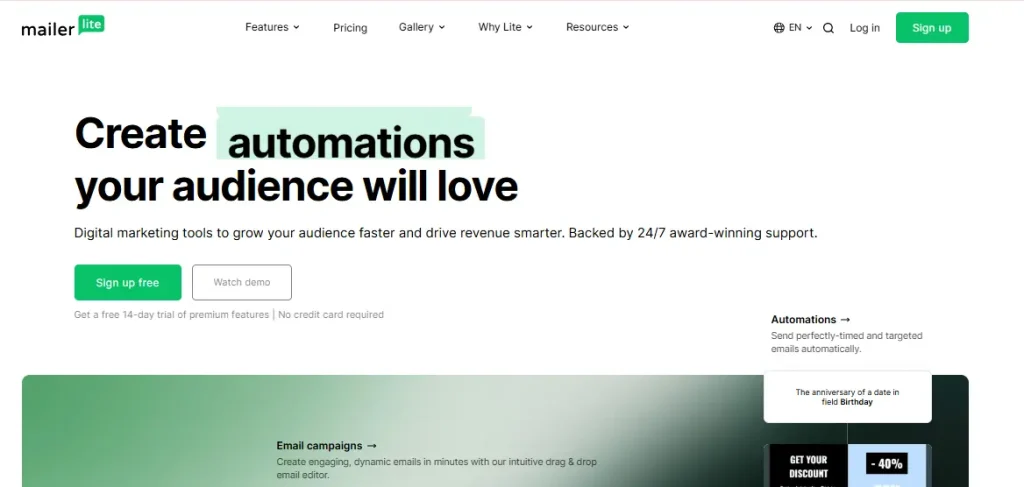
You need to visit the official MailerLite website that you can also directly access from this URL:
https://accounts.mailerlite.com/signup
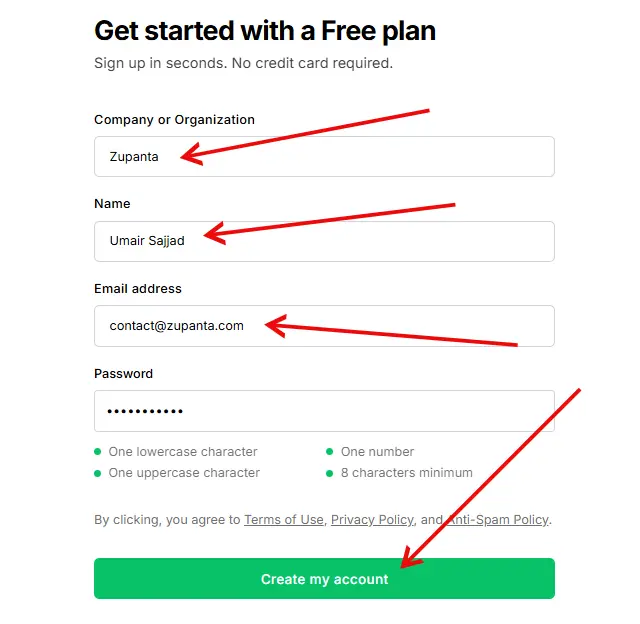
On the main page, you will see the following details to provide:
- Company or Organization
- Name
- Emil
- Password
Now click on the “Create my account” button.
2) Provide Your Basic Personal Information:
After you create your account, you will enter the MailerLite dashboard. You need to provide some basic information about yourself and business so the system can understand your needs.
Once you are done, click on the “Continue” button.
3) Verify Your Email:
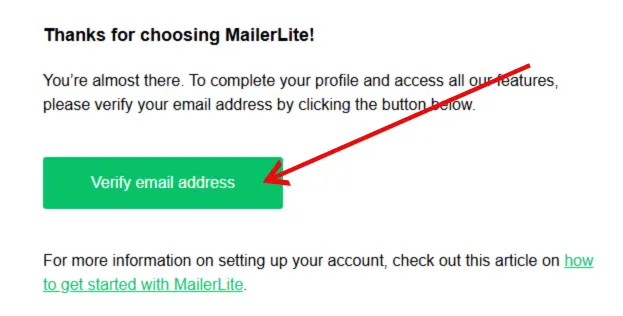
Now you will be asked to verify your email address that you have provided during the registration process. At this time, an email with the subject line “Verify your email address” should already be delivered to you.
Open your email inbox and click on the verification link to verify your email thoroughly.
4) Login To MailerLite Account:
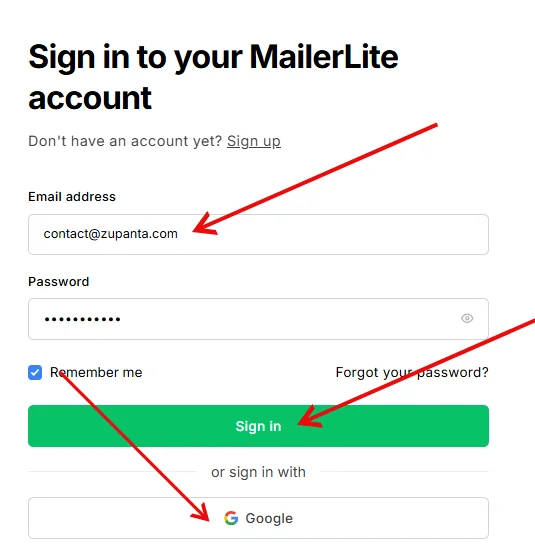
Now your registration with MailerLite is completed, and you need to log in to your MailerLite account. Just enter your email and password to get inside the dashboard.
MailerLite Dashboard
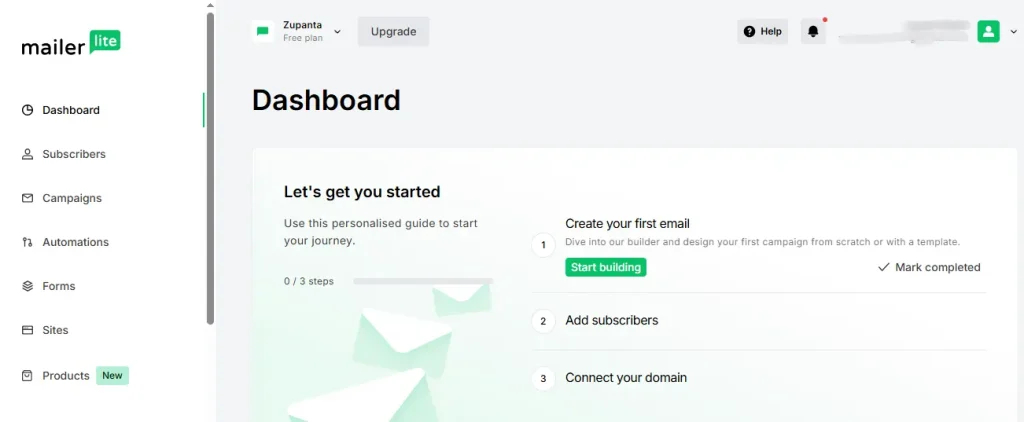
MailerLite Dashboard will be the first thing that you will deal with after the sign-up process. This is the page from where you can access all the features of this platform, like automation, campaigns, subscribers, and forms.
Start Your Free Trial
When you sign up for the free account, you will get a 14-day free trial access to all the premium features, like A/B testing and live chat support.
You need to activate your free trial to get access to these features for free. You will be able to do the following tasks:
- Automation Workflow: This will allow you to set automation workflows based on the user’s behaviors.
- Campaigns: Start your campaigns, like sending newsletters to your subscribers, sending updates, promotions, and special announcements.
- Landing Page: Create a landing page where you can perform a specific task, like capture a signup email, etc.
How to Send Your First Newsletter with MailerLite?
You need to import your subscribers’ list before you send newsletters to your subscribers. To do this, you need to go to the Subscribers page and then click on the “Add subscribers” button.
- Now go to the Campaigns page.
- Click on the “Create campaign” button.
- Choose a campaign name of your choice.
- Click on “Save and Continue”.
- Enter your Subject line and sender information.
- Lastly, you need to choose an editor from the available options:
- Drag-and-drop editor
- Custom HTML editor
- Rich-text editor
- Send your first newsletter to your subscribers.