How to Get a Flodesk Free Trial?

Flodesk has a free trial mode for all users. It provides free access to basic features of the tool. However, creating and using this free trial account requires some knowledge. That is why I have prepared this guide for my friends.
You will learn about how to sign up for the Flodesk free trial and what features you can use. So stay with me and read this complete guide on “Flodesk Free Trial”.
I have also written a detailed Flodesk review on this website that covers pricing plans, features, and much more.
What is a Flodesk Free Trial Account?
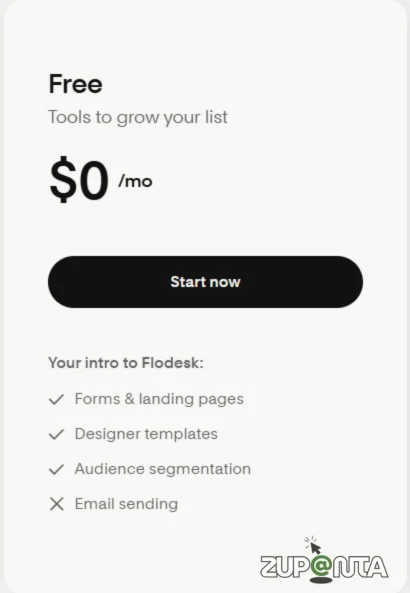
A Flodesk free trial account allows new users to access the platform without paying for a limited period. This trial provides entry to essential email marketing features such as template creation, workflow building, and subscriber management.
The purpose is to help users evaluate the interface, usability, and basic tools before choosing a paid plan. It is designed for beginners and professionals who want to test Flodesk in a real email marketing environment.
How to Sign Up for a Flodesk Free Trial Account?
So here is the thing! Flodesk provides a free trial to use the 70% features for free to test them. This will help you to make a correct decision before you pay the full amount of the tool.
This guide will help you create a free trial account and use it for your first campaign.
1) Go to Flodesk’s Official Sign-Up Page
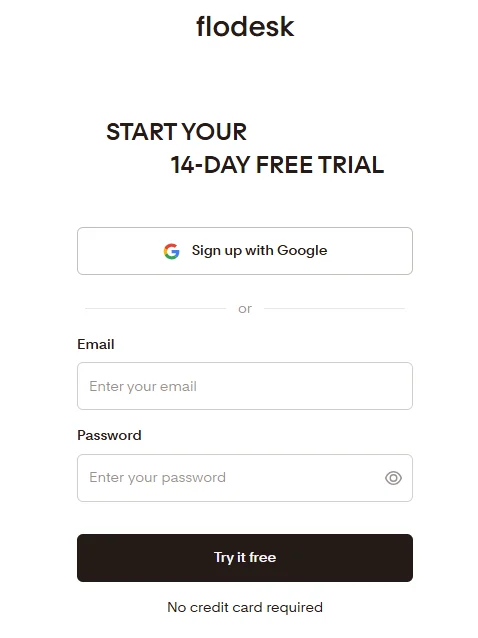
Start with the Flodesk’s official sign-up page where you can start the process. Go to “flodesk.com” and then click on the“Try it free” button. This will take you to the registration page where you can start the sign-up procedure easily.
I have already created a guide on Flodesk sign up that you can read if you want to know how to sign up from scratch.
2) Sign Up with Your Details
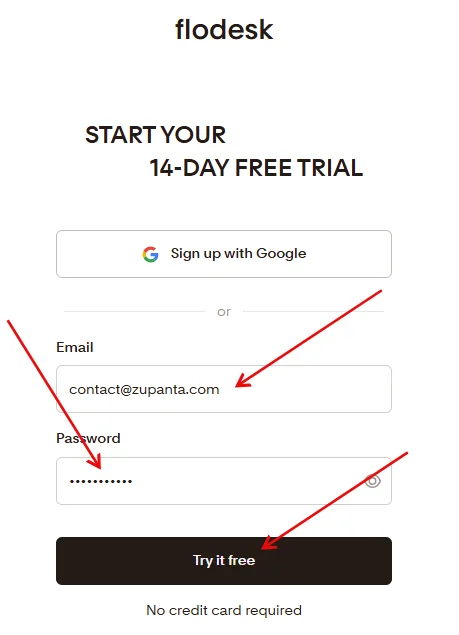
On the sign-up page, write your details:
- Password
Submit these details and you will get a confirmation email from Flodesk. So check your email inbox and verify the email.
3) Create Your Account
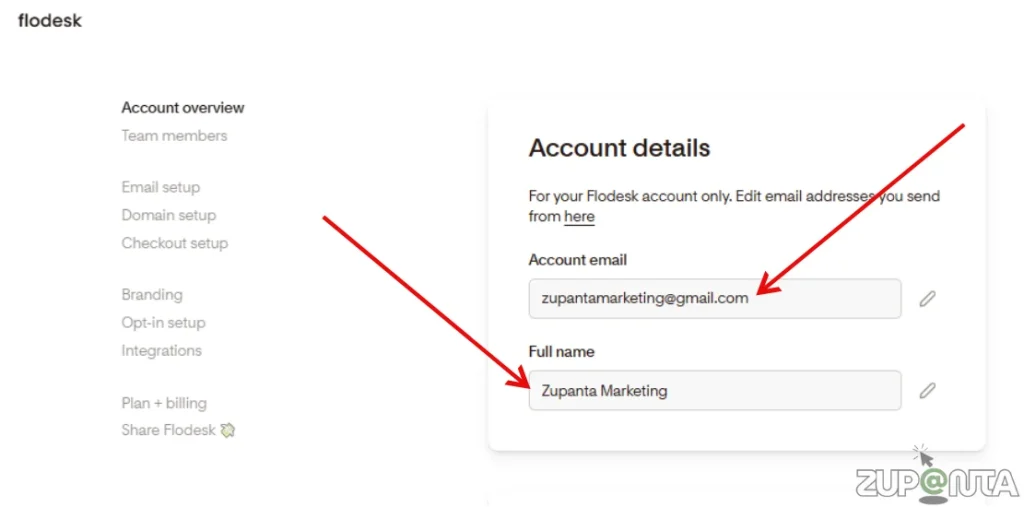
Provide your details such as first name, last name, company name and other personal information. This will complete your account registration.
However, this is your basic account and you need to activate the free trial in order to use the premium features.
4) Activate Your Flodesk Free Trial
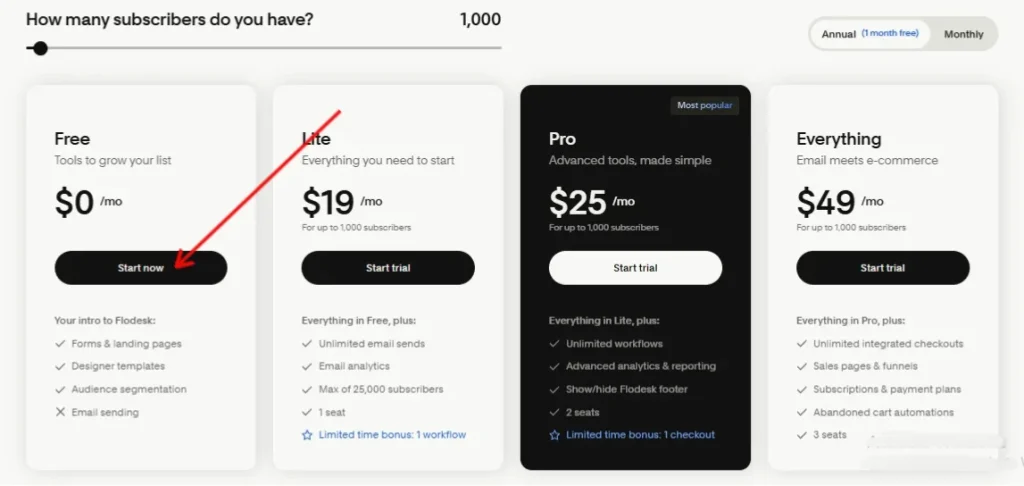
At this step, Flodesk will ask you for your credit card details. Provide your details and make sure to cancel the trial subscription before you get charged for the payment plan.
Once you enter your credit card details, click on the “Activate Free Trial” button to start using the tool with premium features.
How to Use Flodesk Free Trial Features?
So your free trial is activated and now you can use the features that are premium. You can use the following features:
- Drag-and-Drop Email Builder
- Automation
- Analytics and Reporting
- Forms
- Link in Bio
1. Drag-and-Drop Email Builder
Flodesk’s drag-and-drop editor allows you to design professional emails without coding. You can select pre-made templates, add images, text blocks, buttons, and customize the layout. Simply drag the elements where you want them and edit the content to match your brand.
2. Automation
The automation feature helps you create workflows that send emails automatically based on subscriber actions. For example, you can send a welcome email when someone subscribes or follow-up emails after a purchase. This helps save time and nurture your audience efficiently.
3. Analytics and Reporting
Flodesk provides insights into how your emails perform. You can track open rates, click-through rates, subscriber growth, and other engagement metrics. Use these reports to understand what works and optimize your email campaigns.
4. Forms
You can create sign-up forms to grow your subscriber list. Flodesk allows you to design embedded forms for websites or pop-ups. You can customize fields, style, and placement to match your brand and capture subscriber information effectively.
5. Link in Bio
This feature lets you create a landing page with multiple links, perfect for social media profiles. You can include links to your website, products, or content, making it easier for your audience to explore everything you offer from a single page.