How to Set Up Brevo WhatsApp Campaigns?

Brevo is not only an email marketing tool but also offers Facebook and WhatsApp campaigns. With WhatsApp’s business API, now you can start your WhatsApp marketing campaigns with automated messages.
However, integrating Brevo with WhatsApp is very easy, and I have explained all the steps in depth.
What is a WhatsApp Campaign?
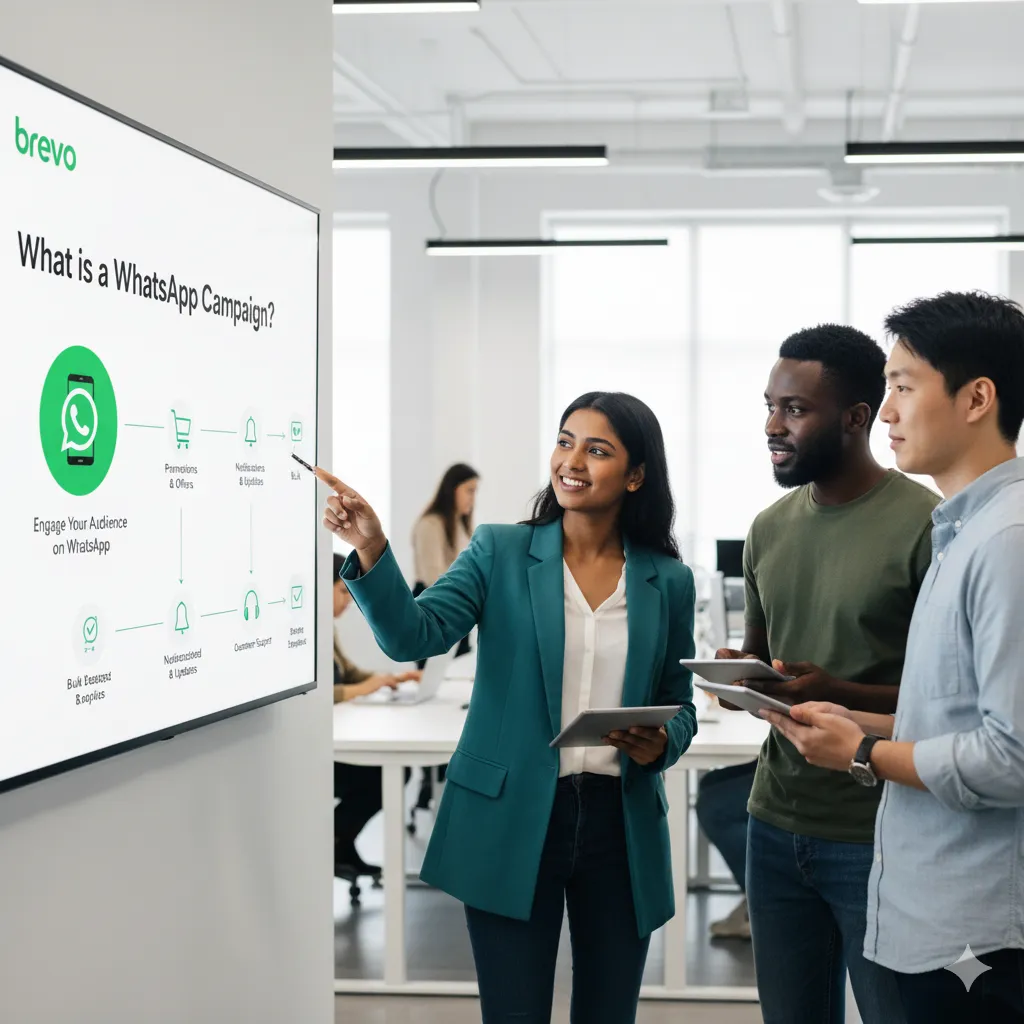
WhatsApp has launched its Business API, which opened the door for direct message communication on a large scale. Since then, many big businesses have started using it to connect with customers more easily.
Along with that, WhatsApp has also added several new marketing tools for WhatsApp marketers. A WhatsApp campaign is a marketing method similar to email marketing, but it uses WhatsApp as the main platform.
Businesses with large audiences and strong social media traffic use this feature to reach and engage all their potential customers in one place. Brevo offers WhatsApp marketing, and we will find out how to utilize it.
What are the WhatsApp Marketing Campaign Types in 2026?
While WhatsApp is an instant messaging app, it provides marketing perks as well. You can use WhatsApp for your marketing campaigns in 2026 with new and handy features. Let’s find out first about the types of campaigns.
1) Individual Messages:
This is one of the simplest and most effective campaign types. In this campaign, you send direct messages to your customers to build an instant connection. Customers can ask quick questions about your products and get answers in real time.
You can also collect feedback and gather useful data about your products instantly through these real-time interactions.
2) WhatsApp Groups:
Use the WhatsApp Business API to send automated messages to your WhatsApp groups. You can also create and send invitation links to invite your customers to join these groups.
WhatsApp groups are a great place for customers to interact with each other, share experiences, and give useful feedback about your products or services.
Broadcasts:
Broadcasts are another powerful way to run WhatsApp marketing campaigns. With this method, you can send a single message to many people at once without creating a group. Each customer receives your message in their individual chat, which keeps the communication private and personal.
Why Choose WhatsApp for Marketing?
WhatsApp has more than 3 million users in 2026, according to a Backlinko study. This number is huge, and it is an open opportunity for businesses. 100 million users are only from the United States. So if you are leaving WhatsApp for your business marketing, then you are leaving a big chunk on the table.
Here are the reasons you should use WhatsApp for your business marketing campaigns.
- WhatsApp is a trendy and big messaging app with more than 3 million worldwide users.
- Due to the instant messaging app, customers read the messages instantly.
- The open and read rate of WhatsApp messages is up to 80%, which is far better than emails.
- It is one of the most used apps in countries like Argentina, Nigeria, Brazil, India, and South Africa.
- WhatsApp uses end-to-end encryption of chat messages, which makes it secure and reliable.
- WhatsApp only charges for the messages and campaigns that are sent to the users.
- Get a free business account and start interacting with your customers.
How to Set a WhatsApp Campaign with Brevo?
To set up your first WhatsApp campaign, you need to have a Business Solution Provider. This is a third-party software that connects you with WhatsApp and your app or landing page.
In this case, we have Brevo as a Business Solution Provider. It contains all the features like automation, contact management, segmentation, signup forms, and CRM.
Now let’s start the process:
Step 1) Register a Brevo Account:
To start the WhatsApp campaign, you need to have an active Brevo account. Also, you can not use the WhatsApp campaign feature with a free plan, so you need to have a professional plan for this.
Read our Brevo registration guide to create your account and start the process.
Step 2) Activate Your WhatsApp Campaigns:
Log in to your Brevo account and go to the dashboard. There, you will see a menu on the left sidebar. Look for the “+ Add more apps” sign and click on it.
This will open a new window where you need to find the WhatsApp Campaigns option by simply searching for it.
Once you find the WhatsApp Campaigns box, you need to turn on the toggle button and then click on the “Go to WhatsApp campaigns” button.
Step 3) Linking Your WhatsApp Business Account with Brevo:
To start the WhatsApp campaign, you must have a verified WhatsApp business account. Follow the steps:
- Go to Campaigns > WhatsApp in your Brevo account and click on the Login to Facebook button.
- Connect your WhatsApp business account with Brevo.
Step 4) Import Your WhatsApp Contacts to Brevo:
- Go to “Contacts” then “Import Contacts”.
- Now use the available options to import your WhatsApp contacts to Brevo. You can upload via a CSV file or import them manually.
- Now, create your signup form for your campaign.
Step 5) Give a Name To Your Campaign:
- Go to “Campaigns” and then “WhatsApp” and then choose “Create Campaign”.
- Give a name to your campaign.
- Pick a language for your campaign.
- Click on the “Begin” button to start it.
Step 6) Choose Your Contacts:
Brevo will use your connected WhatsApp Business account to send WhatsApp automation messages. You need to choose all the contacts whom you want to send your messages to.
Now click on the “Save” button. Due to API integration, Brevo will automatically check for all the contacts whether they have a WhatsApp account or not. This will help you to send messages only to those who have WhatsApp accounts, and this is an automatic process.
Step 7) Buy Your Sending Credits for Your Campaign:
You can now choose how many credits you need to start the campaign. Open your Brevo account and go to My plan. Now scroll down and find the option “Add-ons” and click on the “Add Credits” button.
Choose the payment method, like a credit card or PayPal, and pay the amount to get the credits.
Step 8) Schedule or Send Your WhatsApp Campaign Messages:
The final step is to either schedule your campaign or send the messages right away.