Brevo App for Smartphones

Use the Brevo app and get quick access to your campaigns and marketing insights. Now you can download the Brevo smartphone app from the Google Play Store or the Apple App Store to use this cloud-based marketing tool.
In this guide, I will take you through the complete process of downloading the Brevo app and how to use it on your phone. It is easy, quick, and saves time when you are outside and want to check your email responses or progress.
So read my article completely and find out how you can actually get the ease of managing the Brevo with your team.
About Brevo (Sendinblue)
Brevo was first launched in 2012 by Armand Thiberge with the brand name “Sendinblue”. At that time, it was a marketing tool, and later on in 2023, the company name was changed to Brevo.
Now this tool is offering different features like email marketing, customer relationship management (CRM), transactional email, WhatsApp messaging, SMS marketing, Facebook ads, Customer Data Platform (CDP), and much more.
Brevo has 8 offices worldwide. The countries are mentioned below:
- New York
- Paris
- Berlin
- Delhi
- Toronto
- Vienna
- Sofia
- Seattle
Brevo is a French company, so the headquarters are based in Paris. Also, Paris is the country where Brevo offers official customer service. Currently, Brevo has more than half a million users.
In the early days, Brevo only offered email marketing and transactional email services in France. However, later the company started to offer more features like A/B testing, contact list management, and heatmaps of email marketing.
How to Download the Brevo App?
You can download the Brevo app easily from your desired application platform (Android or iOS). Let’s find out how to download this app with a step-by-step guide.
For Android Users:
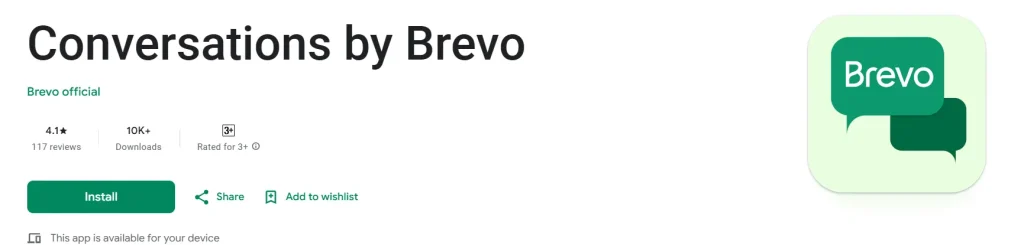
- Open your Google App Store on your Android device and type “Brevo” in the app’s search bar.
- Find the official app by Brevo and tap on it.
- Check the installation requirements before downloading the app.
- Tap on the Install button if your device is compatible with the Brevo app.
- Once the app is installed, you need to sign in to your Brevo account and use it right from your Android device.
For iOS Users:
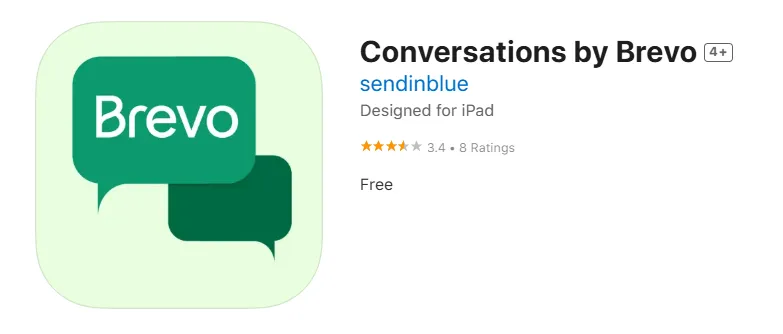
- iOS users have to follow the above link or go to the Apple App Store and type “Brevo” in the search bar.
- Now install the app on your iOS device and start using it.
Why Should You Choose a Brevo App?
Brevo is a cloud-based marketing platform that you can access from the Brevo website. However, in case of scenarios like you are on vacation and want to check your Brevo campaigns, then you can use it right from your phone.
Here are some reasons to choose the Brevo app:
- It is secure, easy, and quick to sign in to your Brevo account and start using it right away.
- Communicate with your customers in real-time.
- Use the in-app chatbot to increase your contact list and answer the F.A.Q.
- Send automated messages to your customers according to their behavior.
How to Use the Brevo App?
So here is the simple and easy guide about how to use the Brevo app for the first time.
- Open the app and sign in to your Brevo account with your email and password.
- If you don’t have an account, then tap on the “Sign Up for Free” button and follow the procedure.
- Once you are logged in, you need to go to Settings > My Profile and add your business name, sender name, and sender email.
- Upload your logo if you want to make your emails look more professional.
- Tap on Contacts in the bottom menu.
- Click “Add Contacts.”
- You can import contacts from your phone, upload a file (CSV), or add them manually.
- Make sure each contact has a valid email address.
- Go to Campaigns > Create an Email Campaign.
- Enter the campaign name, subject line, and sender name.
- Choose a pre-made template or start from scratch.
- Add your email content (text, images, buttons, and links).