Brevo Features for Email Marketing & Automation

Brevo offers features that are more than expected, even with a free account. I have been using Brevo for more than 2 years and have found so many interesting and useful features that I have explained in this article. Not only Brevo, but I am also using other email marketing tools like Klaviyo and Flodesk. Today, I have combined all of my personal experience and written this post for all of you.
Now you can get the maximum from your Brevo subscription, or even with a free account. Let’s find out what the features of Brevo are and what their benefits are in 2026.
Brevo Features Review (2026 Updated)
Having used this tool for over two years, I’ve found several features that are truly worth mentioning.
1- Email Marketing

Let’s start the guide with the feature that I personally love a lot. My first reason to choose this tool was only to use it for email marketing.
Now I am using it for other things as well, like CRM and Social Media marketing automation campaigns.
Drag-and-Drop Editor: The best part about Brevo is it contains a drag-and-drop email editor. This makes my work very simple and quick. You can choose between different pre-built templates and customize your own as well.
Library of Email Templates: Get a free library of pre-designed email templates for your campaigns.
A/B Testing: Another thumbs-up feature is A/B testing. With this, users can test a few things, like subject lines or email designs, for a better and more desired result.
Detailed Reports: Get in-depth and detailed reports in just one click. Brevo provides insightful data like heatmaps, click-through rate, open rate, geography reports, and device reports.
Up to 300 Emails Per Day for Free: Yes, you can send up to 300 emails per day with a free plan. Also, you can add unlimited contacts and send emails with automation.
2- Marketing Automation
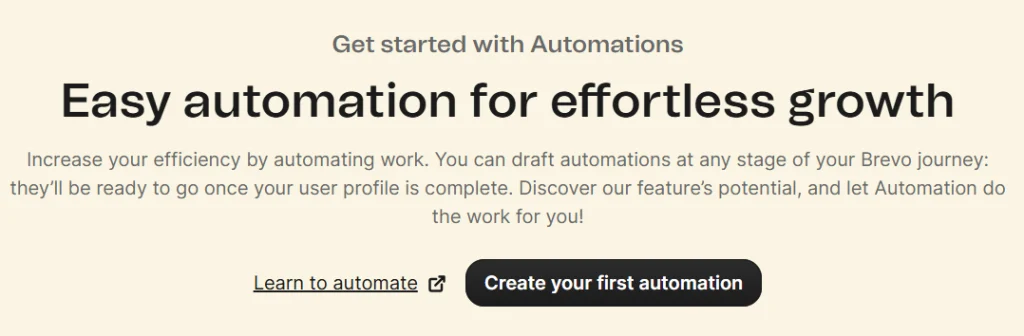
User-Behavior-Based Automation: Automation is important when you manage a big business. With Brevo, you can set automated campaigns and email sequences. You can create a welcome series, follow-ups, and abandoned cart emails. Brevo sends them based on each user’s behavior.
Automation with If/Else Splits: You can set automation using if/else conditions in Brevo. It lets you add splits and filters based on user behavior and different situations. This helps you send the right message to the right person at the right time.
3- Multi-Channel Messaging: SMS, WhatsApp, Push & Chat
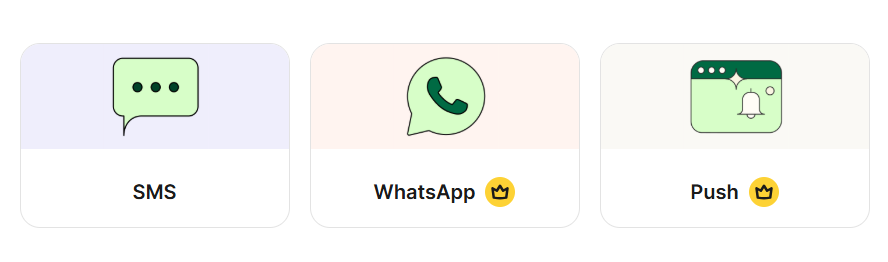
Not only emails, but Brevo also has other options like SMS, WhatsApp messages, or chats for marketing purposes.
SMS Campaigns: Set your SMS campaign with your desired filters and selected contacts.
Automated WhatsApp Messages: Start your social media marketing journey with Brevo. Use WhatsApp campaigns to send automated messages, replies, and much more.
Live Customer Support Chats: Use Brevo’s live customer support chat integration for your app, website, or landing page.
4- CRM & Contact Management
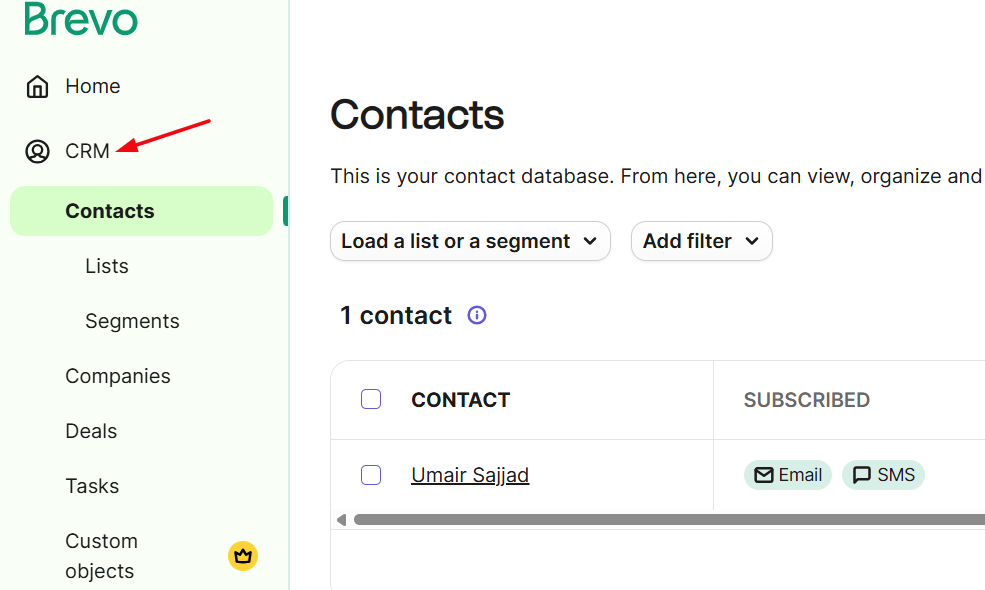
Built-in CRM (Customer Relationship Management): Brevo offers a built-in CRM (Customer Relationship Management) for its users. Now you can track every detail like client interaction with product or page, deals, tasks, and much more.
Split Your Users: Brevo lets you split your users by behavior, demographics, and interests. In this way, you can send more precise and personalized messages to your audience.
Customer Data Platform (CDP) Features: Brevo collects data from many sources, like social media, email, and website traffic. It combines all this data in one place. This helps you understand your customers better and make smarter decisions.
5- Transactional Emails & Advanced Features
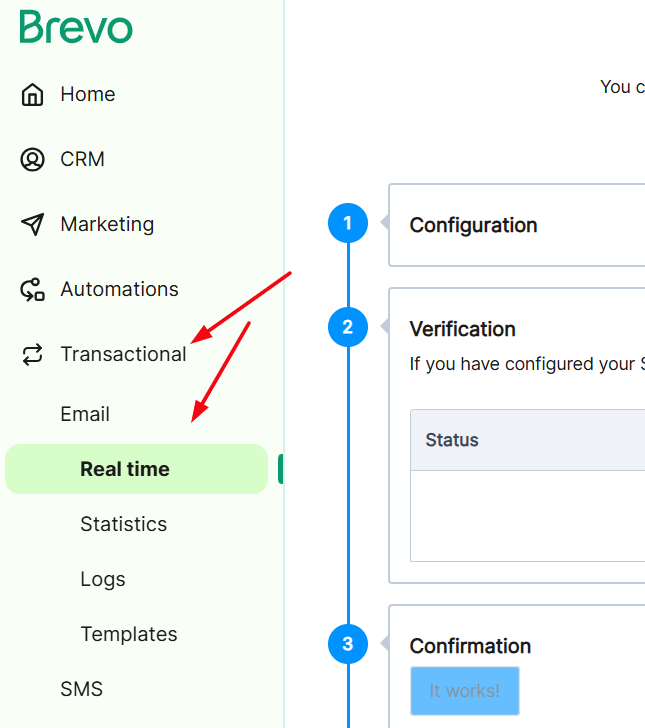
Send Transactional Emails: Send emails with a transactional intent, such as order completion receipts, password reset, and complete your order with a deal, etc.
6- Create Sign-Up Forms and Landing Pages
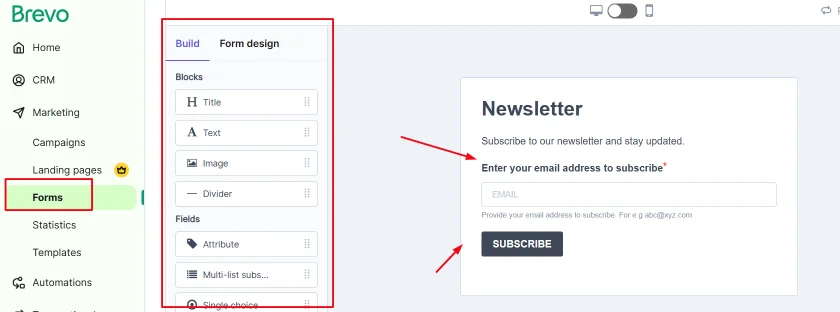
Sign-Up Forms: Build sign-up forms for your audience with a drag-and-drop builder. It saves time and offers other features such as double opt-in.
Landing Pages: Get insights into visitors on your website’s landing page. Collect information like click-through rate and conversion rate.
Analytics & Reporting
7- Analytics & Detailed Reports

Heatmaps: Use Brevo’s heatmap to identify where your users are clicking in your emails.
Stats of Your Campaigns: Collect info like open rate, bounce rate, click rate, and much more.
Deliverability Rate and Data: Brevo has a high deliverability rate. Its powerful SMTP ensures your emails reach the inbox instead of the spam folder. This helps your messages get seen by more people and improves your campaign results.
8- Brevo API and Integrations
API Key Support: Brevo supports the API key integration to work with other platforms and media.
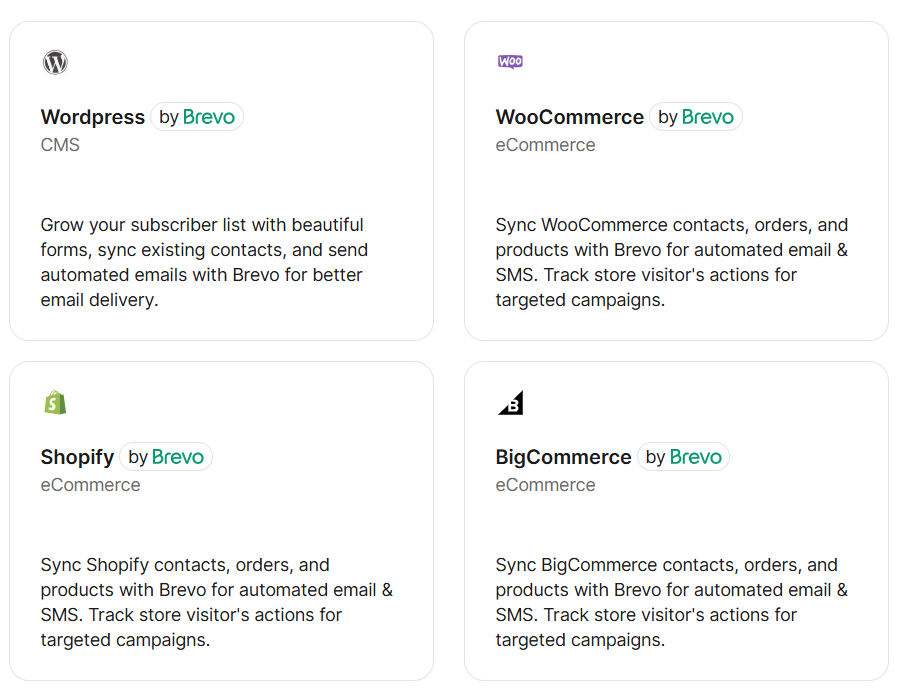
Wide API Integrations: Brevo can integrate with major platforms, including WordPress, WhatsApp, and WooCommerce, using an API key.
Some Limitations of Brevo
While Brevo offers all the basic and advanced-level features, there are some limitations that are worth mentioning.
- Some advanced and useful features, like A/B testing and detailed user stats, require you to purchase a higher plan.
- Brevo has good deliverability, yet some customers suggest that it should improve further.
- For very large businesses with complex needs, some advanced features in Brevo may not match enterprise-only tools.
Should You Buy It?
Well, this is the question that you might be thinking right now after reading all the major features of Brevo. In my opinion, if you are running a medium to large business, then choosing a paid plan of Brevo is worth it. The reason is that you will get detailed insights like click data, user behavior, failure, and success rate, etc.
Otherwise, if you are running a small business, then sticking with a free plan is enough for you.